
What CashyAi does
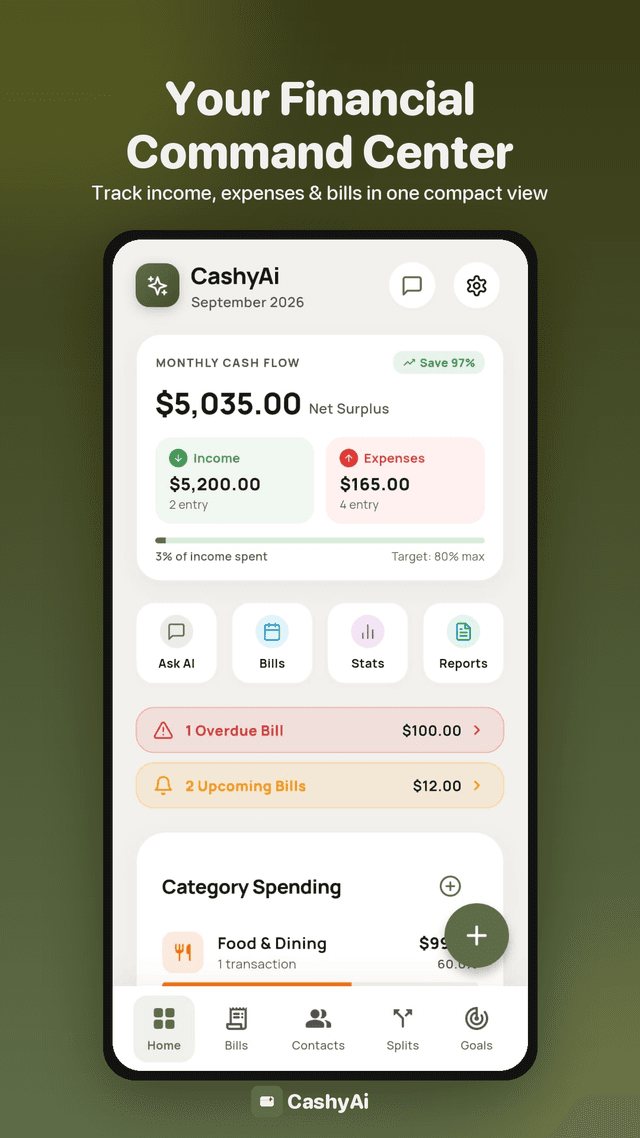
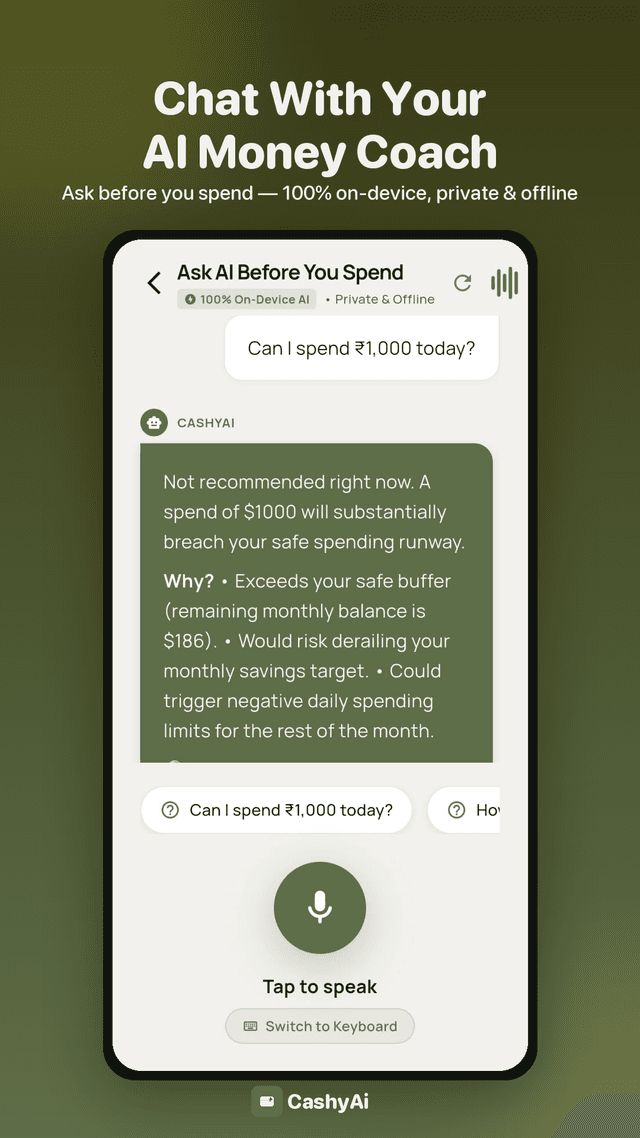
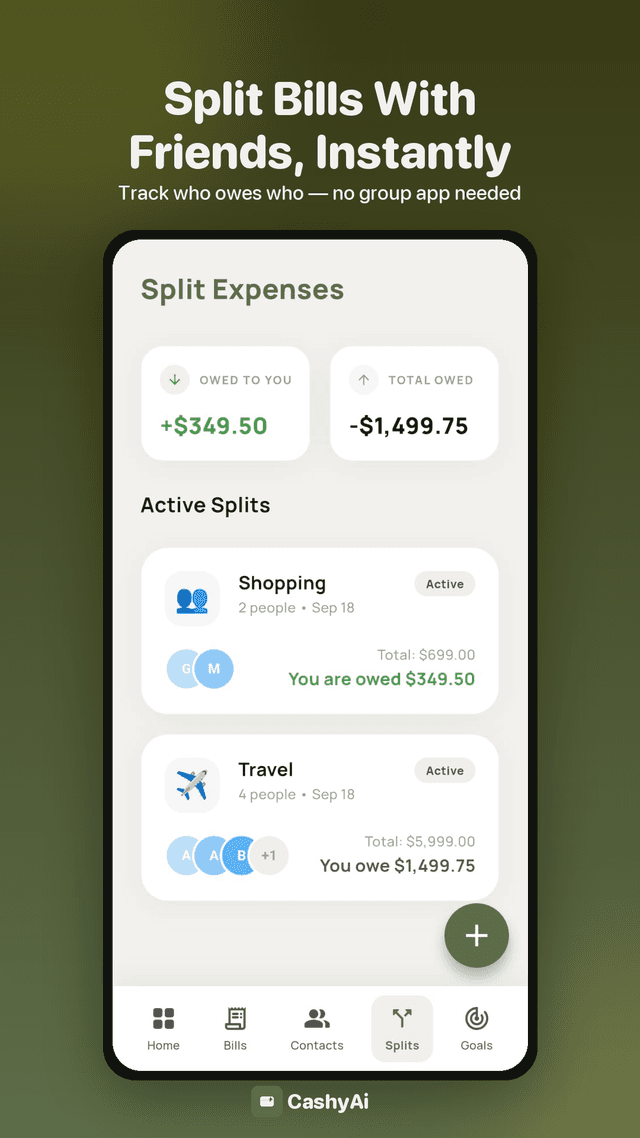
CashyAi is an Android expense tracker that helps you log income and spending, plan savings goals, split bills with friends, and get bill reminders. A local, on-device AI (no cloud calls for your financial data) answers questions like "Can I afford this?" using your own transaction history. An optional Google Drive backup keeps a copy of your data in a private folder tied to your account, so you can restore it on a new device.
Features
- Expense, income, and bill tracking with reminders
- Split expenses with friends and a running contact ledger
- Savings goals and a safe-to-spend daily limit
- On-device AI chat for spending questions — no financial data leaves the device
- PDF and CSV export of your own records
- Optional Google Drive backup and restore
Screenshots
Google Sign-In & your data
CashyAi uses Google Sign-In for exactly one feature: backing up your app data to your own Google Drive and restoring it later, for example after switching devices. Sign-in is optional — the app is fully usable without it, and no Google account is required to track expenses, split bills, or use the AI chat.
email (basic profile)Shown in Settings so you can see which Google account a backup is signed in with. Not used for advertising, analytics, or any purpose beyond identifying the signed-in account.
https://www.googleapis.com/auth/drive.appdataLets the app read and write only its own hidden application-data folder in your Drive — the same folder other apps' Drive backups cannot see. CashyAi cannot see, list, or modify any other file in your Google Drive with this scope.
CashyAi never requests access to your Gmail, contacts, calendar, general Drive files, or any other Google data.
Full details are in the Privacy Policy.
Support
Questions, bugs, or feedback: email support@cashyai.com.
Updated 2026-09-19